QueueExplorer

Work with messages. Manage queues.
Go beyond built-in tools.
Azure Service Bus | RabbitMQ | MSMQ | ActiveMQ


Investigate message flow, find problematic messages, edit or replay them, and test your applications without writing diagnostic code.

Windows macOS Linux


One tool for all your messaging systems

QueueExplorer supports Azure Service Bus, RabbitMQ, MSMQ and ActiveMQ in a single installation and license: Azure Service Bus, RabbitMQ, MSMQ, and ActiveMQ.

Built-in consoles are designed primarily for configuring brokers. QueueExplorer gives you the tools to work directly with messages: browse, filter, edit, move, copy, save, load and test them.


Benefits for Developers

Find out all about your messages

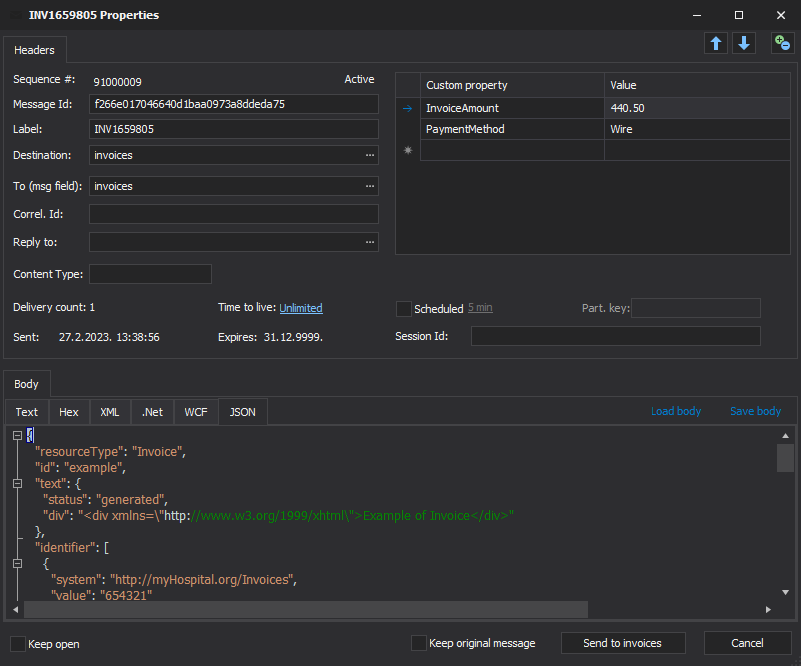
With QueueExplorer you can dig into your queues and see which message went where, whether they were correctly formatted, with correct headers and settings, etc.

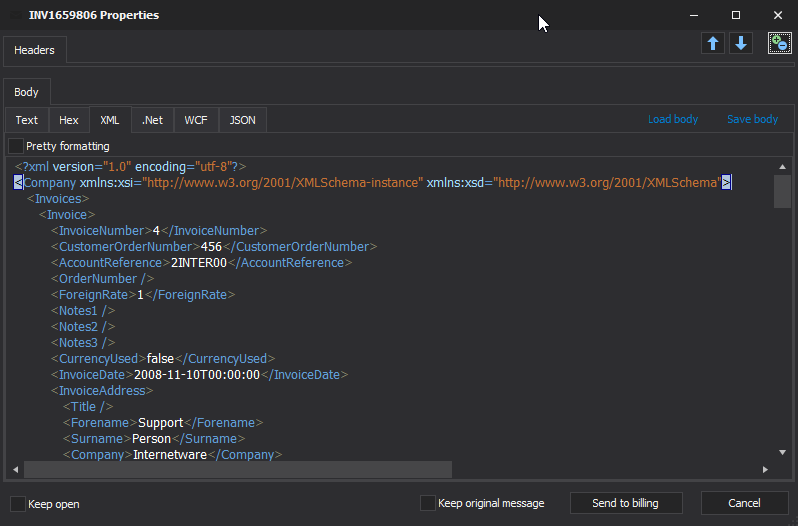
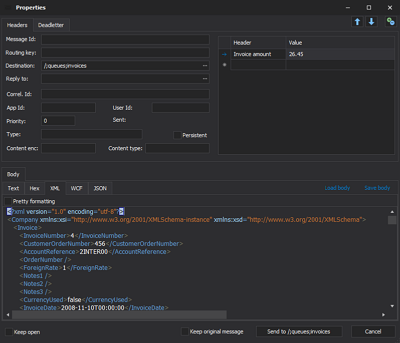
Multiple viewers are at your disposal: JSON, XML, WCF, Hex, text with different encodings...
Develop and test producers and consumers separately

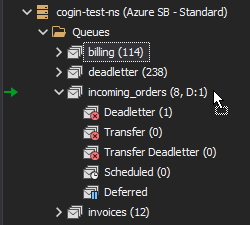
With QueueExplorer you can test individual pieces of your solution, or even simulate third party messages going in or out. You can create and edit test messages, send one by one or bunch of them together.
Test performance and load handling of your app

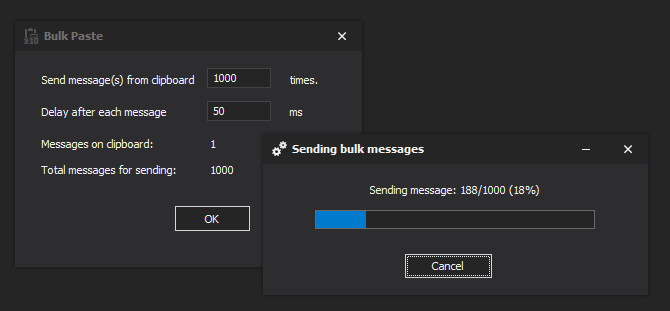
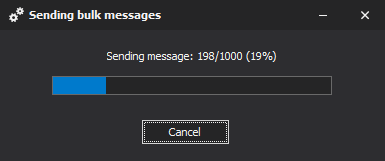
Send thousands of messages for performance testing to see how system handles that load.


Benefits for Admins


Troubleshoot, fix, and resend problematic messages

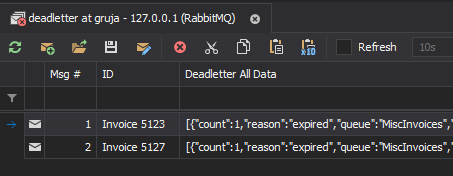
If something is wrong, QueueExplorer is the fastest and easiest way to investigate and fix incorrect, poison, or failed/deadletter messages.
See status of your system at glance

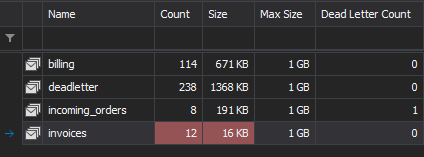
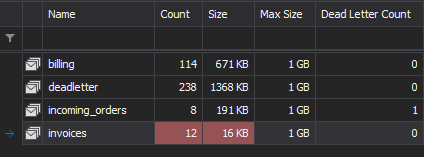
Check if some of queues are growing too large, if there are messages in deadletter queues, etc. With autorefresh functionality see how entire system works in near real time.
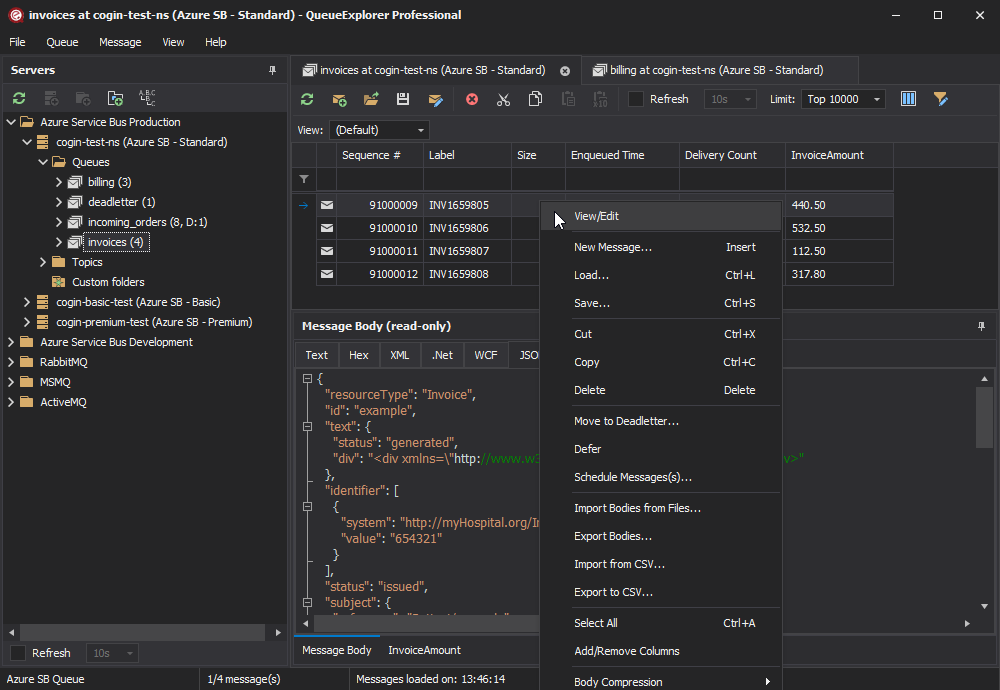
Filter and sort messages to quickly find important data

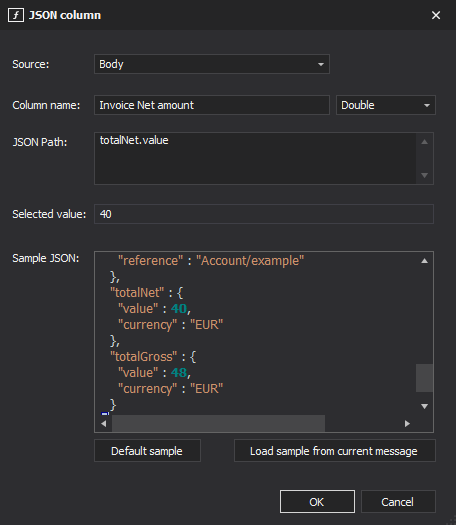
QueueExplorer allows you to quickly find messages you're interested in. Professional edition allows you to even extract your business data from within messages using XPath, JSON, or Regex, and to immediately see e.g. invoice totals, etc.

Backup and restore messages

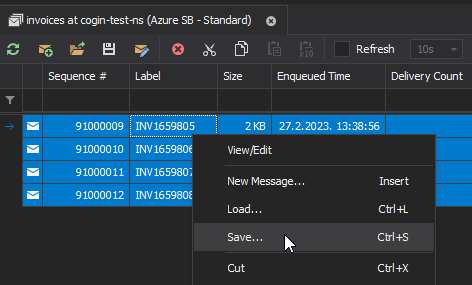
Backup messages to files, or move/copy them to another queue.
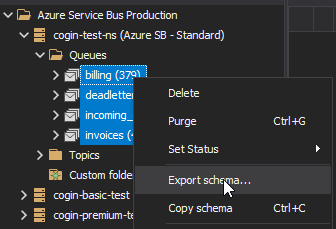
Copy, compare and sync queues, topics and other schema (metadata) objects

This can be used to migrate queues (and other objects) to another server, e.g. to propagate from development to production. Or just to compare and see which changes were made. Or to backup schema before changes are made. You can also duplicate queues with all their settings on the same server (Professional).


Benefits for specific messaging system


Additional benefits over built-in MSMQ console:

  • Operate with one or more messages at once.
  • See and edit full message body.
  • Message list is not limited to Top 1000.
  • Manage remote machines.
Learn more about MSMQ problems QueueExplorer solves

Additional benefits over Azure portal:

  • Manage scheduled or deferred messages.
  • Access Deadletter and Transfer queues.
  • Manage session queues - see all sessions with their messages and edit session state.
  • Configure subscription rules, and easily see how they're configured for all subscriptions within a topic.
Learn more about Azure Service Bus specific features

Additional benefits over RabbitMQ web console

  • Full and immediate access to messages as you browse queues.
  • Work with messages - copy, save, delete, edit, drag&drop, etc.
  • See why message was deadlettered, or deadletter it manually.
  • All message and header properties are available in a message list, and can be used for filtering and sorting.
  • Reduced clutter - collapse all queues/topics with same prefix, e.g. amq.rabbitmq.log, amq.rabbitmq.trace...
Learn more about RabbitMQ management console vs QueueExplorer

Additional benefits over ActiveMQ web console

  • Live Topic view - watch messages as they arrive.
  • All message and header properties are available in a message list, and can be used for filtering and sorting.
  • Reduced clutter - collapse all queues/topics with same prefix, e.g. ActiveMQ.Advisory.Connection, ActiveMQ.Advisory.Consumer...

See all features


Multi system support

QueueExplorer supports multiple messaging systems in one program. You don't need to purchase a new licenses if you decide to migrate to another system or already manage different message brokers.

This not only protects your investment, but also reduces learning curve for all team members.

QueueExplorer also works on Window, Mac, and Linux.


New in QueueExplorer 5.x

New in Professional edition:

Full list of improvements in 5.x with screenshots

Standard vs Professional editions